Sectograph
Laboratory 27
11.93 MB
5.72
Varies with device
5,000,000+

Mod Info:
● Pro | Paid Features Unlocked
● Stable mod
● Debug info removed
● Multiple languages available
● No active trackers or advertisements
● Requires android 5.0 and up
● CPUs arch: Universal
● Optimized and cleaned resources for fast loading.
Description
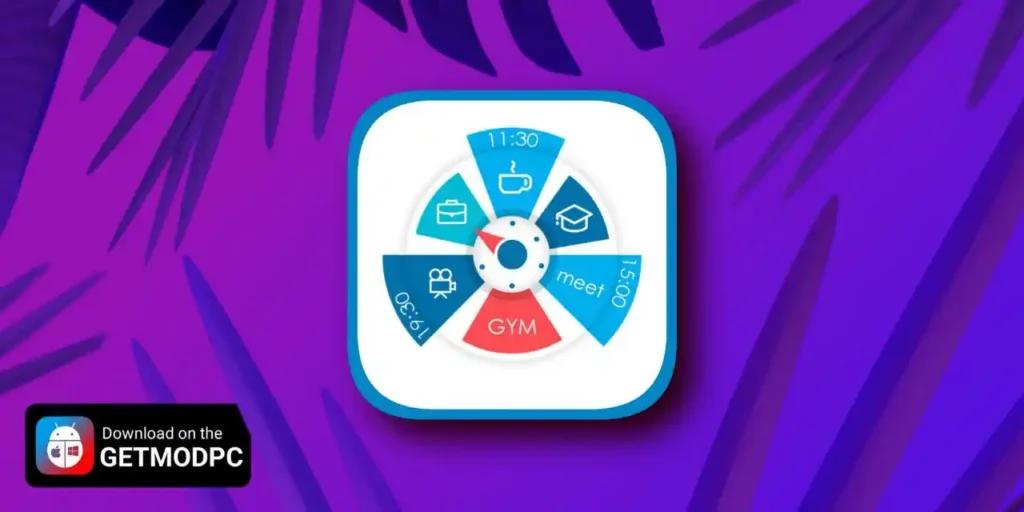
Sectograph gives you a new way to read your calendar by turning your daily schedule into a circular planner. Instead of a long list, it shows the next 12 hours as a clock face, with events and free time displayed as sectors. This visual approach makes time blocking and time management feel more intuitive because you can understand your day in one glance.
How Sectograph Works
Sectograph stays lightweight and privacy-friendly and uses the calendars already on your device. It overlays your events onto a clock-style timeline and automatically calculates:
- upcoming events
- time blocks and event durations
- gaps between events so you can see your real free time
The view updates as time passes, so your schedule stays current without manual refresh. Sectograph doesn’t replace a to-do list; it visualizes what you already scheduled in your calendar.
A Circular Calendar View Your Brain Reads Faster
Sectograph looks like an analog clock with your day mapped onto it:
- events appear in the exact hours they happen
- each sector’s width matches the event duration, like a true pie-chart schedule
- you can spot gaps and see how long until the next event immediately
This makes Sectograph a practical visual planner when you want a quick “what’s next and how much time do I have” view.
Best Uses: Time Blocking, Routines, Shifts, and Study Plans
You can use Sectograph as a day planner, routine planner, or time planner for:
- deep work blocks, meetings, breaks, and Pomodoro-style sessions
- shift work schedules and daily routines
- class timetables and study sessions
- travel itineraries and appointment-heavy days
If you’ve used Chronodex-style planning, Sectograph will feel familiar.
Calendar Sync and Supported Sources
Sectograph reads events from:
- Google Calendar
- local device calendars
- Microsoft Outlook calendar (beta)
Home Screen Widget: Keep Your Schedule Visible
Sectograph includes a home screen calendar widget so your schedule stays visible without opening the app. The widget supports:
- automatic updates (including a clock refresh every minute)
- tap any sector to open event details and quick actions
- flexible visual settings and free themes (Dark / White / Gray)
- optional app theme options, 24-hour mode, zoom views (1–12 hours), and month/day grid views
Wear OS Support: Circular Planner on Your Watch
Sectograph also works on Wear OS for quick schedule awareness:
- a watch app with an interactive widget
- a tile for fast access to the circular planner
- a dedicated watch face (installed separately)
- a large complication for compatible third-party watch faces
Images


Download links
How to install Sectograph Mod APK?
1. Tap the downloaded Sectograph Mod APK file.
2. Touch install.
3. Follow the steps on the screen.
Note: Important!
- Delete all previous Original/Mod before installing the latest mod.
- If necessary, log in with your email/social media. Modded App cannot be logged in with Gmail.
- Enjoy !!!