ToonArt

Description
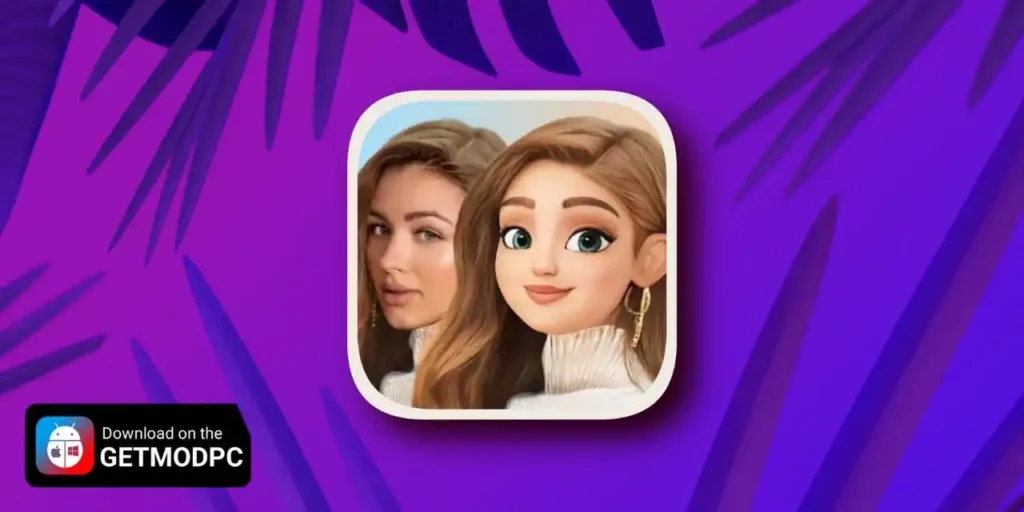
ToonArt is an AI-powered photo editor that turns your selfies and portraits into cartoon art in seconds. You can transform a normal photo into a soft, animated look inspired by classic storybook and ghibli-style aesthetics, or switch to bold 3D toon effects, comics, and caricatures. The app focuses on one-tap results, so you can create a new avatar or profile picture without learning complex editing tools.
Photo to Cartoon Maker (One Tap)
ToonArt uses AI to detect faces and apply cartoon filters automatically. You choose an effect, preview the result, and generate a stylized image quickly. The app can create clean “toon me” portraits, exaggerated caricatures, or smoother anime-like looks depending on the style you pick.
Trending Filters, Face Effects, and Background Styles
ToonArt includes a large collection of popular effects and variations, such as:
- cartoon and anime-style transformations
- caricature and “big head” styles
- baby-style and gender-swap effects
- doll-like and beauty portrait filters
- themed layouts and background options for a complete poster or profile look
You can experiment with different presets to match your mood, build a consistent social media aesthetic, or generate multiple versions for comparison.
Avatar and Profile Picture (PFP) Creation
ToonArt works as an avatar maker for profile pictures across social platforms. You can create a clean cartoon PFP, a more dramatic 3D toon portrait, or a playful caricature version, then export it for Instagram, TikTok, WhatsApp, Facebook, and more.
Caricature and “Toonify” Style Portraits
If you prefer humor and exaggeration, ToonArt can restyle your face into comic-like caricatures that highlight features for a fun, shareable result. You can use these effects for memes, couple edits, or creative transformations that stand out in chats and stories.
Built for Quick Sharing and Daily Fun
ToonArt keeps the workflow simple: pick a photo, select a style, generate your result, and share. You can refresh your look whenever you want, create themed edits for trends, and turn ordinary selfies into animated art with minimal effort.
Images


Download links
How to install ToonArt Mod APK?
1. Tap the downloaded ToonArt Mod APK file.
2. Touch install.
3. Follow the steps on the screen.
Note: Important!
- Delete all previous Original/Mod before installing the latest mod.
- If necessary, log in with your email/social media. Modded App cannot be logged in with Gmail.
- Enjoy !!!