Via Browser

Mod Info:
– Analytics and trackers are disabled.
– Removed debugging information.
– It does not hang in active processes after exiting.
– Languages: English, Lithuanian, Russian, Ukrainian, Chinese.
Description
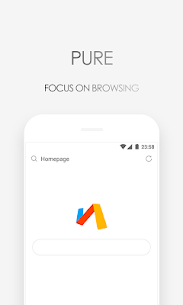
Via Browser focuses on clean, distraction-free browsing. It doesn’t push news feeds or unnecessary content, so you stay in control of what appears on your screen. The app targets users who want a simple browser that feels responsive and doesn’t interfere with their Android experience.
Quiet Browsing: No Unwanted Content
Via Browser avoids spamming you with trending stories, pop-up “recommendations,” or extra prompts. It keeps the interface calm and lets you open the web without constant interruptions.
Lightweight and Memory-Friendly
Via Browser uses minimal storage and RAM, which helps your device stay smooth—especially on older phones or low-memory models. Because it runs lean, you can browse without feeling like the browser slows down everything else.
Designed for Minimalism (Lite Interface)
Via Browser builds its design around minimalism. The interface stays simple and efficient, making it a strong choice for users who prefer lightweight apps and a “less is more” workflow.
Customization: Build Your Own Browser Setup
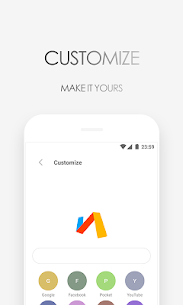
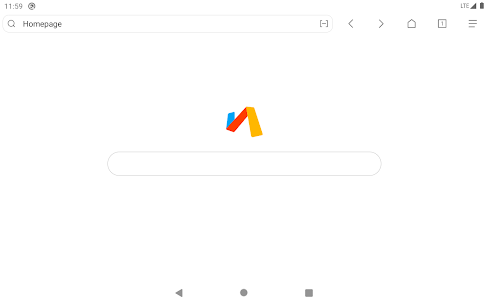
Via Browser lets you customize your experience easily. You can design your own homepage, adjust how the browser looks and behaves, and make the app feel personal instead of generic.
Speed and Smooth Performance
Via Browser aims to load quickly, open and close fast, and keep browsing smooth on most Android devices. The app optimizes performance so scrolling and page navigation feel responsive.
Key Functions You Can Use
Via Browser includes a practical set of everyday tools, such as:
- Data saving
- Homepage customization
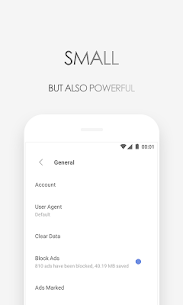
- Ad blocking
- Privacy protection
- Bookmarks
- Add-ons
- Night mode
- Desktop/Computer mode
- Translation
- Find in page
- Search engine switching
- Save web pages
- Smart image display controls
Product Concept: “Make Hard Things Simple”
Via Browser builds around a single idea: make complicated tasks easier. It keeps the experience fresh and lightweight while still offering advanced capabilities for users who want more control—without forcing everyone into a heavy, cluttered browser.
Images

Download links
How to install Via Browser Mod APK?
1. Tap the downloaded Via Browser Mod APK file.
2. Touch install.
3. Follow the steps on the screen.
Note: Important!
- Delete all previous Original/Mod before installing the latest mod.
- If necessary, log in with your email/social media. Modded App cannot be logged in with Gmail.
- Enjoy !!!